
Shield360 › For the CISO
You cannot put a proxy
in front of every model.
So do not.
The standard answer to AI governance is a forward proxy with a root certificate in every trust store. It adds a single point of failure ahead of production, a vendor who can read every prompt, and a control developers soon learn to route around. Shield360 takes the other route: observe at the endpoint and enforce at the point of use. Where you do want enforcement on the wire, its AI proxy is optional, reached by base URL, and needs no root certificate.
01 · Exposure
The four routes AI takes out
Four ways company data reaches
a model, and how each is covered.
Coding agents on developer machines
A coding agent reads whatever repository it is pointed at and sends it upstream as context. It is the largest volume path in most engineering organizations, the hardest to see, and the one most likely to be carrying credentials in a config file.
Applications your own teams shipped
Production services calling providers directly. They write no transcript, appear on no vendor dashboard, and are visible only as traffic — or as a line on an invoice nobody can attribute.
Personal plans and consumer tools
Someone's own subscription, used on a company machine, on company work. No procurement record exists because no purchase was made from the company.
Agents acting on your systems
The newest one, and the one with no established control. An agent holding a shared API key is an unauditable principal: you can see what the key did, but not which agent, under whose authority, with what scope.
02 · Controls
Detect, then prevent
Detection everywhere,
prevention where it can be enforced.
Shield360 is deliberate about the difference. It discovers AI use across all four routes above. It prevents where it is genuinely in a position to — inside the coding agents, at the gateway, in the browser extension on managed Chrome and Edge, and at the optional AI proxy for applications routed through it — and it says so rather than implying coverage it does not have.
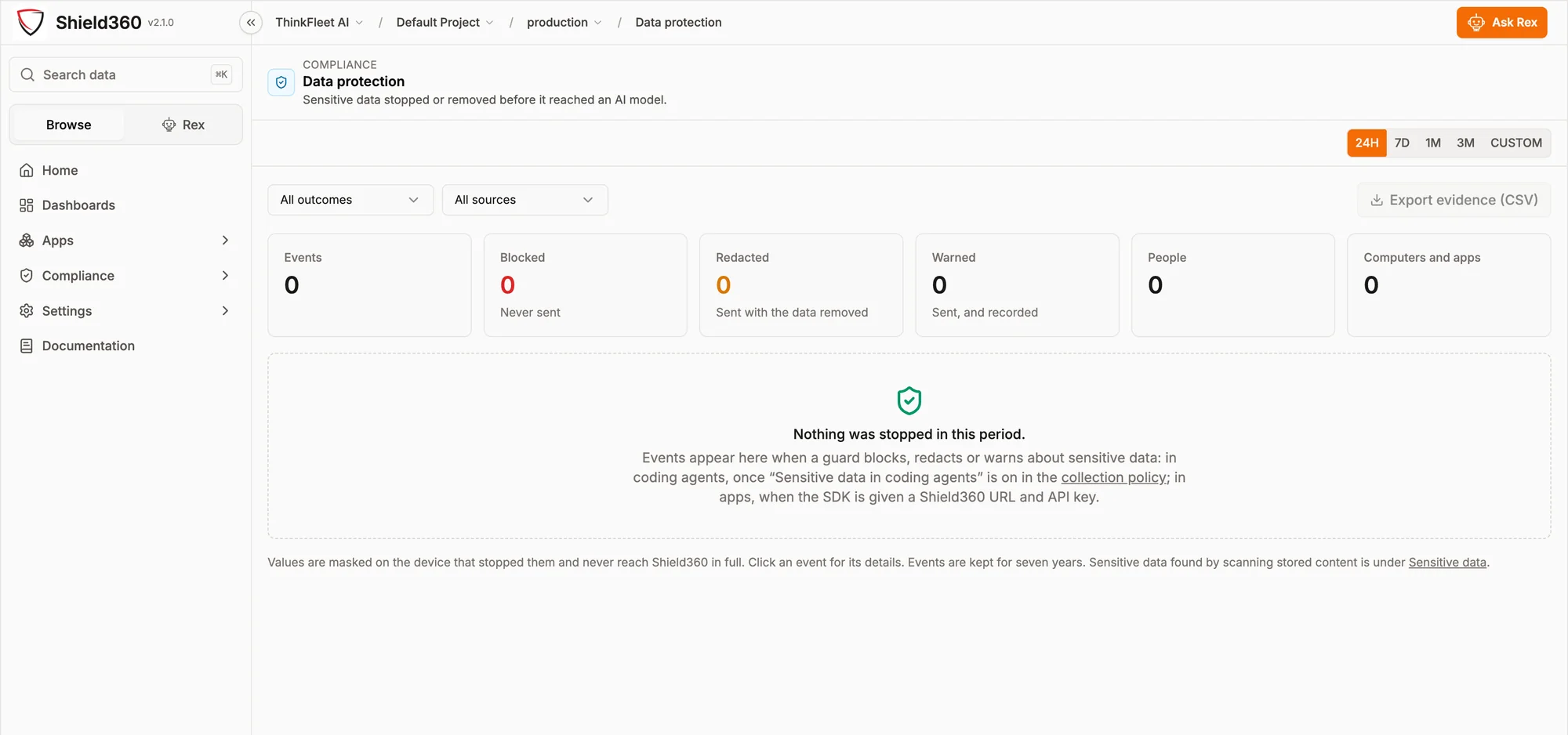
Table view
| Week | Warned | Blocked | Redacted | Total |
|---|---|---|---|---|
| W1 | 412 | — | — | 412 |
| W2 | 438 | — | — | 438 |
| W3 | 455 | — | — | 455 |
| W4 | 471 | — | — | 471 |
| W5 | 460 | — | — | 460 |
| W6 | 483 | — | — | 483 |
| W7 | — | 296 | 118 | 414 |
| W8 | — | 231 | 104 | 335 |
| W9 | — | 172 | 88 | 260 |
| W10 | — | 128 | 71 | 199 |
| W11 | — | 97 | 58 | 155 |
| W12 | — | 81 | 49 | 130 |
| Control | Mode | What happens |
|---|---|---|
| Sensitive data | Off · Warn · Mask · Block | One policy for the browser extension, the optional AI proxy and coding agents, set per kind of data and per channel. Personal data, card numbers and credentials are detected in the prompt. On block it is never sent; on mask the value is replaced and the rest goes; on warn it is sent and recorded. Coding agents warn or block, and check secret files as well. |
| AI tools and models | Allow · Warn · Block | Which AI tools people may open in a managed browser or call through the AI proxy. A request for a model outside the environment's approved list can be warned on or refused at the proxy. |
| Shadow AI discovery | Off by default | Processes reaching AI providers directly, read from the operating system's own socket table. Use is treated as sanctioned when the person holds a seat with that vendor, so what remains is worth investigating. |
| Browsing visibility | Off by default | Registrable domain only unless explicitly widened to full URLs. A per-person setting can only narrow collection; raising it for one named individual cannot be expressed. |
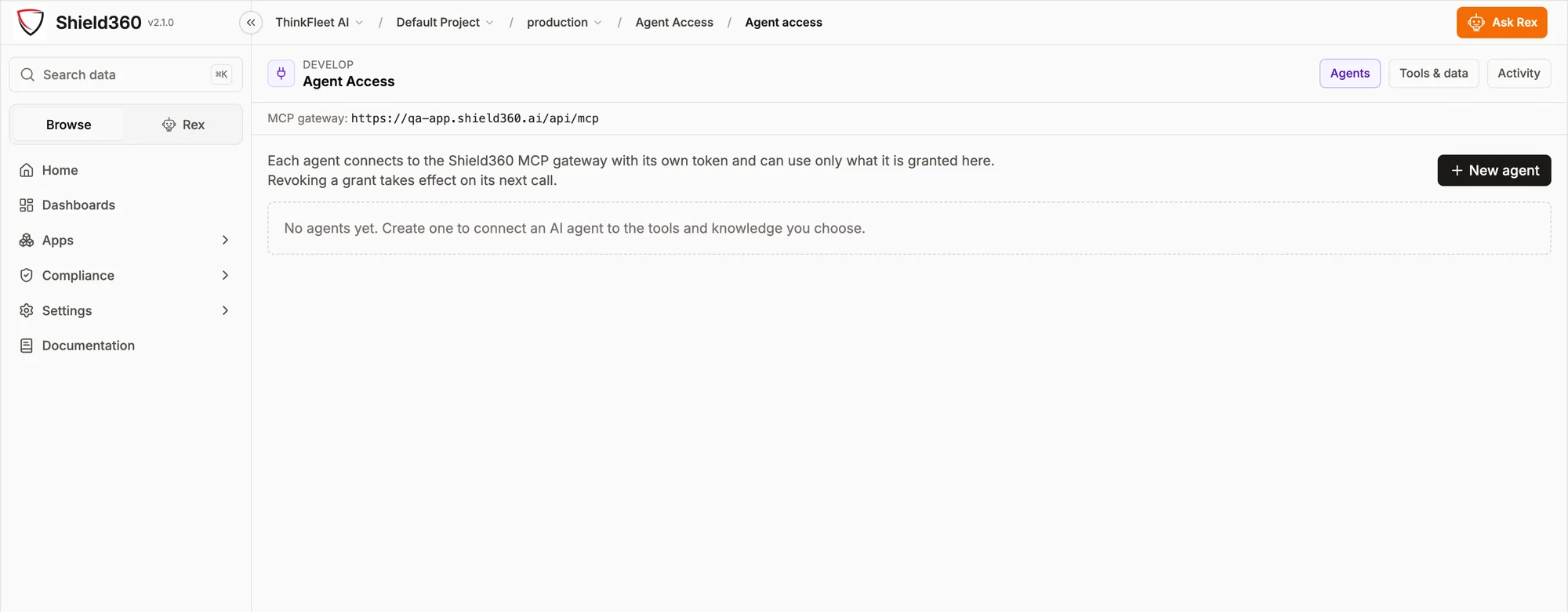
| Agent access | Deny by default | An agent reaches only the tools and data explicitly granted to it, using its own token. Revoking a grant takes effect on the next call. |
| Sensitive-data inspection | On demand | Scans prompt and response content the deployment already stores. A deployment that stores none has nothing to inspect, and that is reported as the correct result rather than a reason to start storing it. |
03 · Agents
A principal you can revoke
Give every agent an identity,
a scope, and an off switch.
Agentic systems break the assumption underneath most access control: that a credential belongs to a person who can be asked what they did with it. Shield360's MCP gateway restores it. Each agent holds its own token, reaches only what it was granted, and leaves an activity record in the same screen where its permissions live.
04 · Assurances
Properties, not settings
The assurances are structural.
Each of these is a property of how the collector is built rather than a configuration option, so it stays true whatever the configuration.
05 · Diligence
Answers for the questionnaire
The questions your team
will send us anyway.
Where does our data live?
Wherever you put it. The platform runs self-hosted in your own environment — on Docker, or on Kubernetes with manifests we provide — against your own ClickHouse and Postgres, including fully air-gapped, with no call-home requirement. On the hosted service, each organization gets its own database rather than a shared table with a tenant column.
Who at Shield360 can see it?
In a self-hosted deployment, nobody — we have no path into your environment. On the hosted service, access is governed by the same audit log you see, and reads of sensitive data are recorded as events in it.
How does authentication work?
Sign-in federates to your own OIDC issuer through its discovery document, covering Okta, Entra ID, Ping and equivalents. Roles and permissions are defined inside Shield360 and checked on every route, so a federated identity still reaches only what you granted it — and a refusal is recorded as a denied event.
What can a single collector token access?
Only its own machine’s reporting. The fleet-wide install key is exchanged at enrollment for a per-machine token, and that token is revocable on its own. The collector can only write its own observations; it has no read access to the platform's data.
Can it be used to monitor individuals?
Collection is set for the organization, and a per-person setting can only narrow it. Raising collection for one named individual cannot be expressed. Where you deploy Shield360 onto your employees' machines you are the data controller, and lawful workforce monitoring is your responsibility — the terms say so explicitly.
How do we report a vulnerability?
security@thinkfleet.ai. The security page sets out the disclosure process.
Bring your hardest question.
A briefing is a working session. If the answer to something is “not yet”, you will hear that in the meeting rather than in week three of a pilot.